the ultimate adi part 3 guide to teaching meeting traffic
the ultimate adi part 3 guide to teaching meeting traffic
Many ADI Part 3 trainees fail Meeting Traffic because they don't really fully understand the subject or where meeting traffic actually occurs. As soon as you are leaving the test centre you can come across Meeting Traffic situations.
In this article we help you to become a better teacher of meeting traffic
What meeting IS NOT
Meeting traffic is NOT just about parked cars!
It is when 2 vehicles are going to share the same road space
In this picture you can see cars parked on both sides of the road, a car coming towards us - BUT THIS IS NOT A MEETING SITUATION AS THERE IS ENOUGH ROOM FOR BOTH CARS TO PASS SAFELY.
Neither has to change speed, or direction.
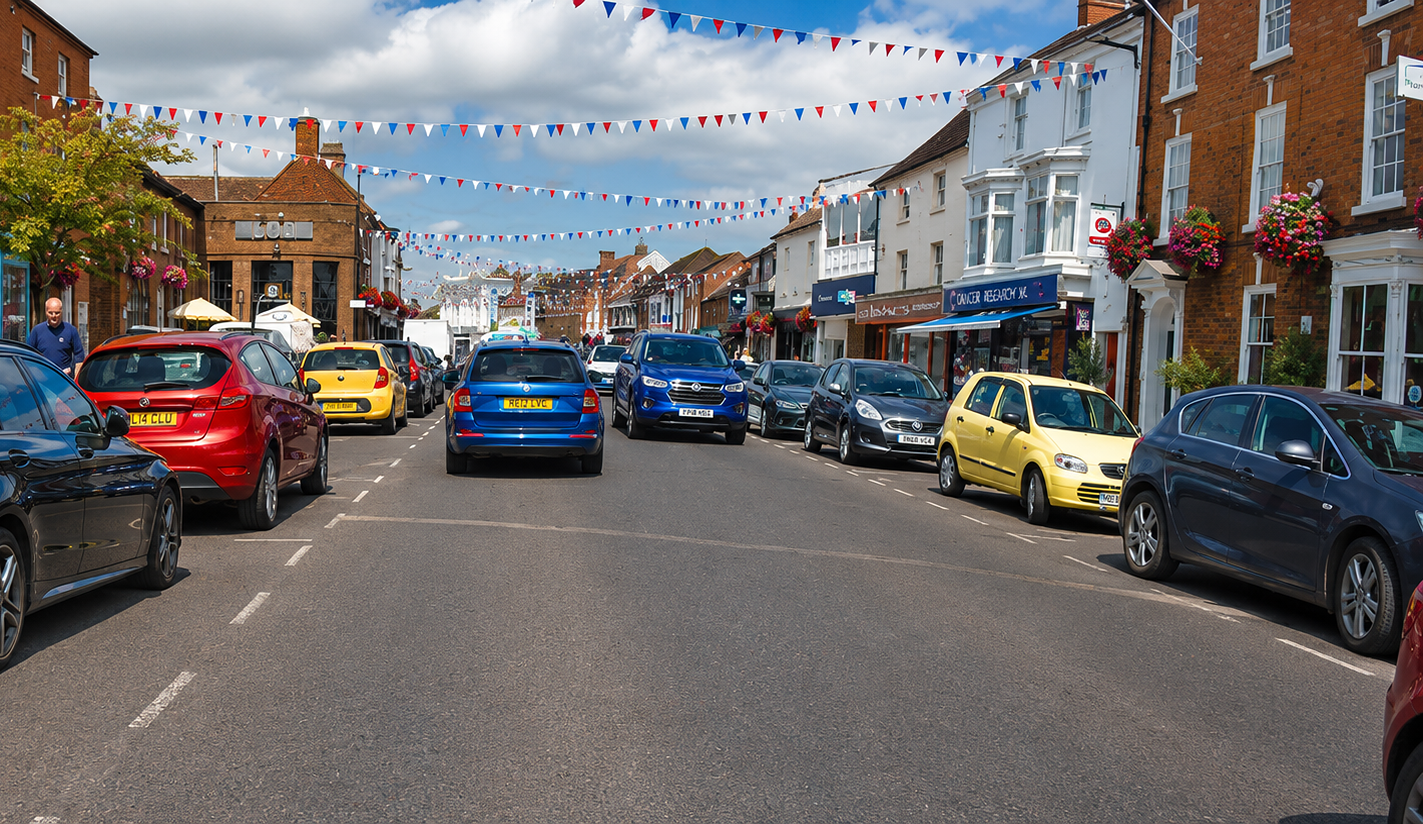
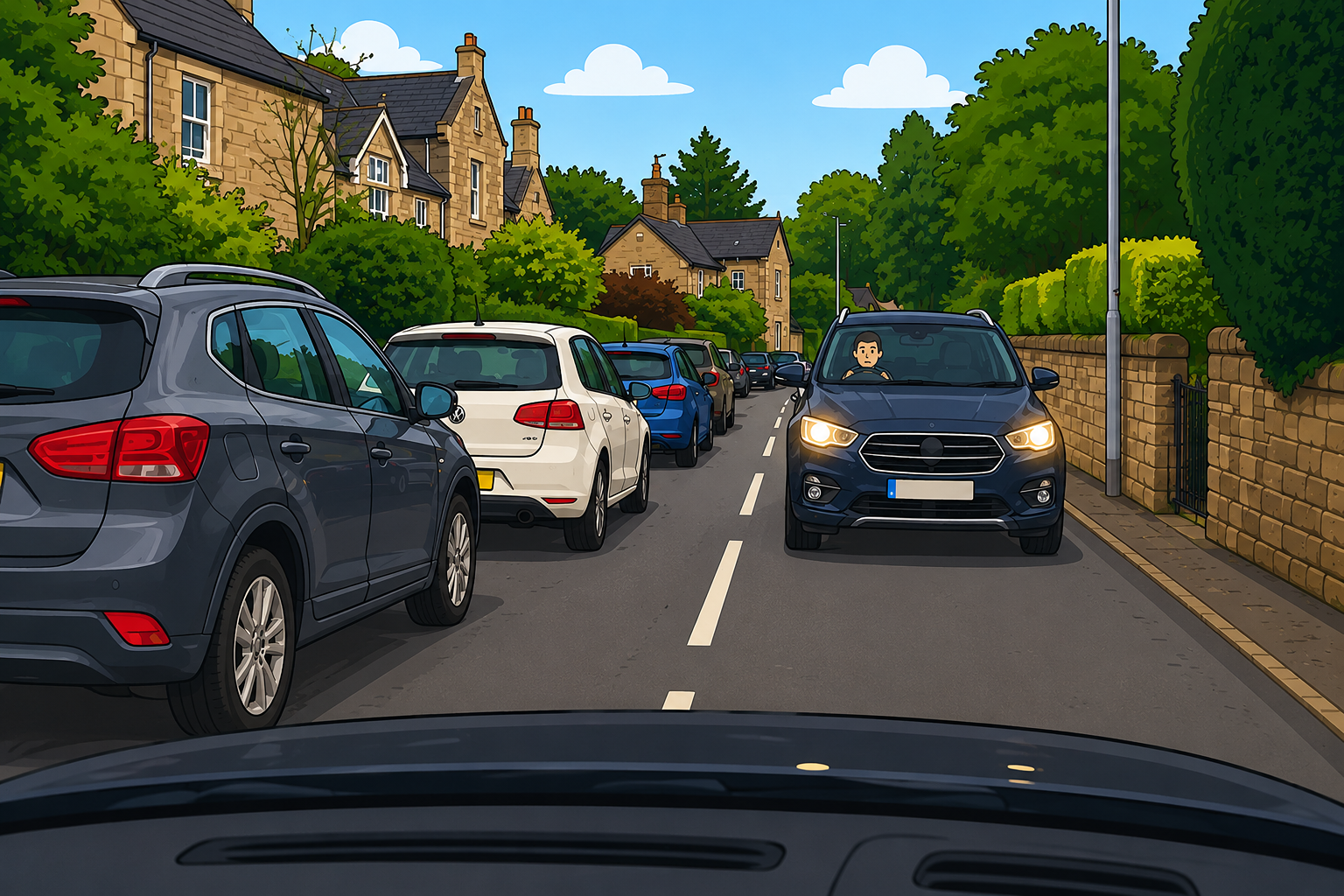
Meeting Traffic - Parked Cars
With parked cars its not about whose side the obstruction is on, but what is the other car doing? Are they giving way? Already coming through? IS there enough gap for us both to get through?
Meeting Traffic - Traffic Calming
Traffic calming is all about Look - Assess - Decide, what is the other car doing? There are no parked cars but How close is the other vehicle? IS there enough time and space for us to get through? Will they go through before we get there?
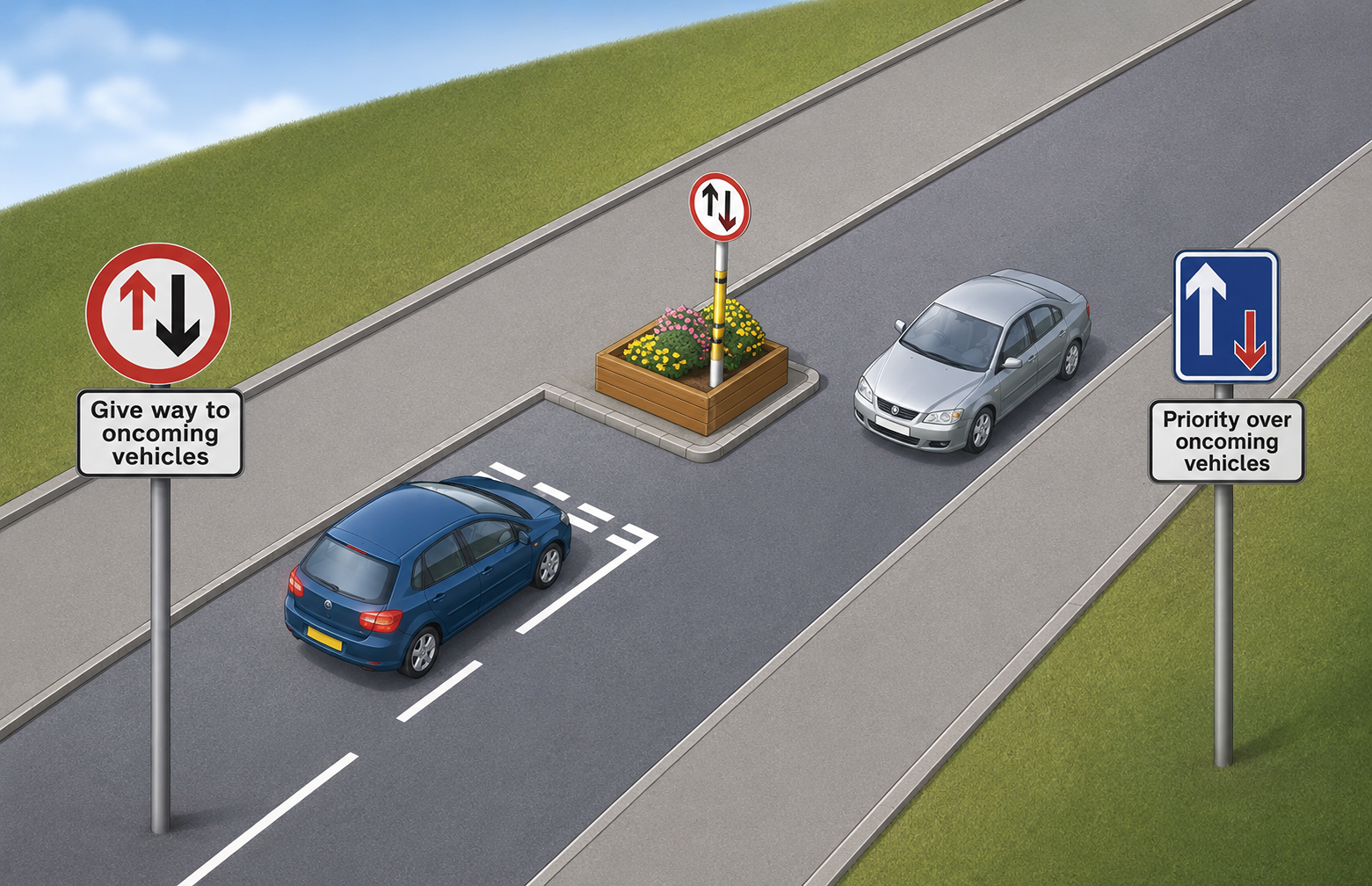
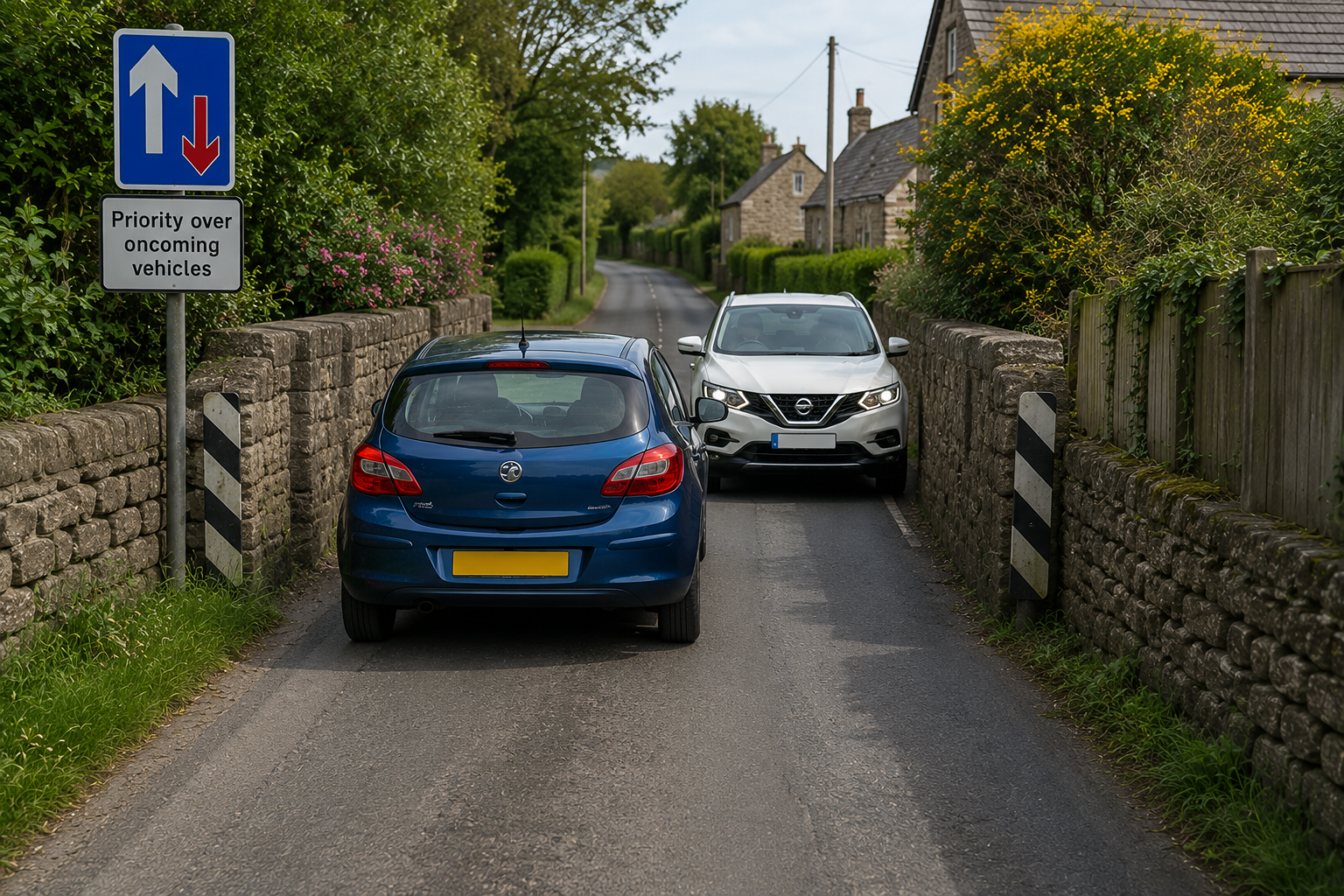
Meeting Traffic - Road Narrows
This is an Image & Text block. Click on this text to start editing and enter your own text with some basic formatting. Just click anywhere outside the text box when you're done to continue working on the rest of your page.
To change the layout and appearance of a block, such as the size of its images and columns, click on the Change Layout button on the block toolbar, to the right of each block.
Meeting Traffic - Single Track Lane
This is an Image & Text block. Click on this text to start editing and enter your own text with some basic formatting. Just click anywhere outside the text box when you're done to continue working on the rest of your page.
To change the layout and appearance of a block, such as the size of its images and columns, click on the Change Layout button on the block toolbar, to the right of each block.
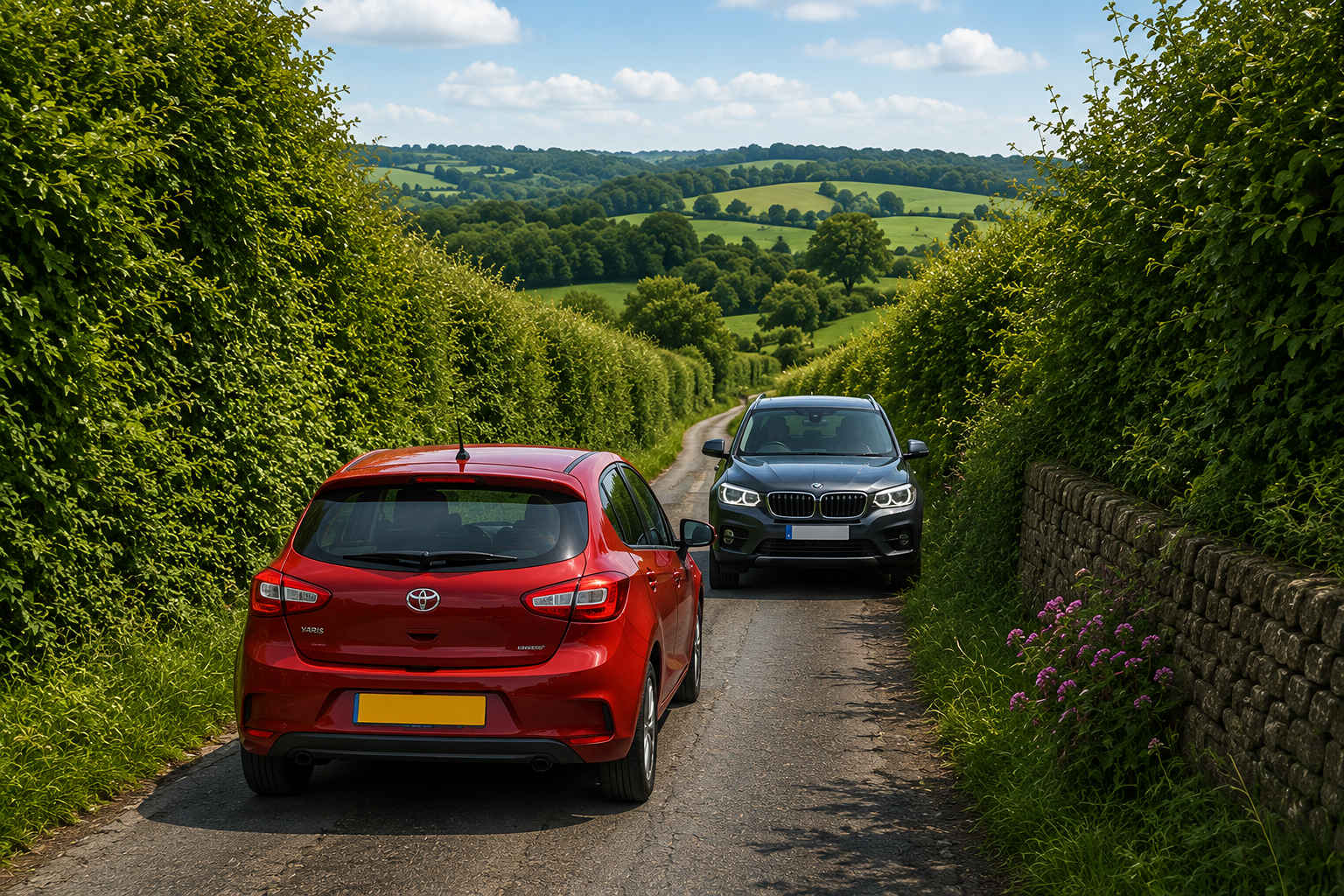
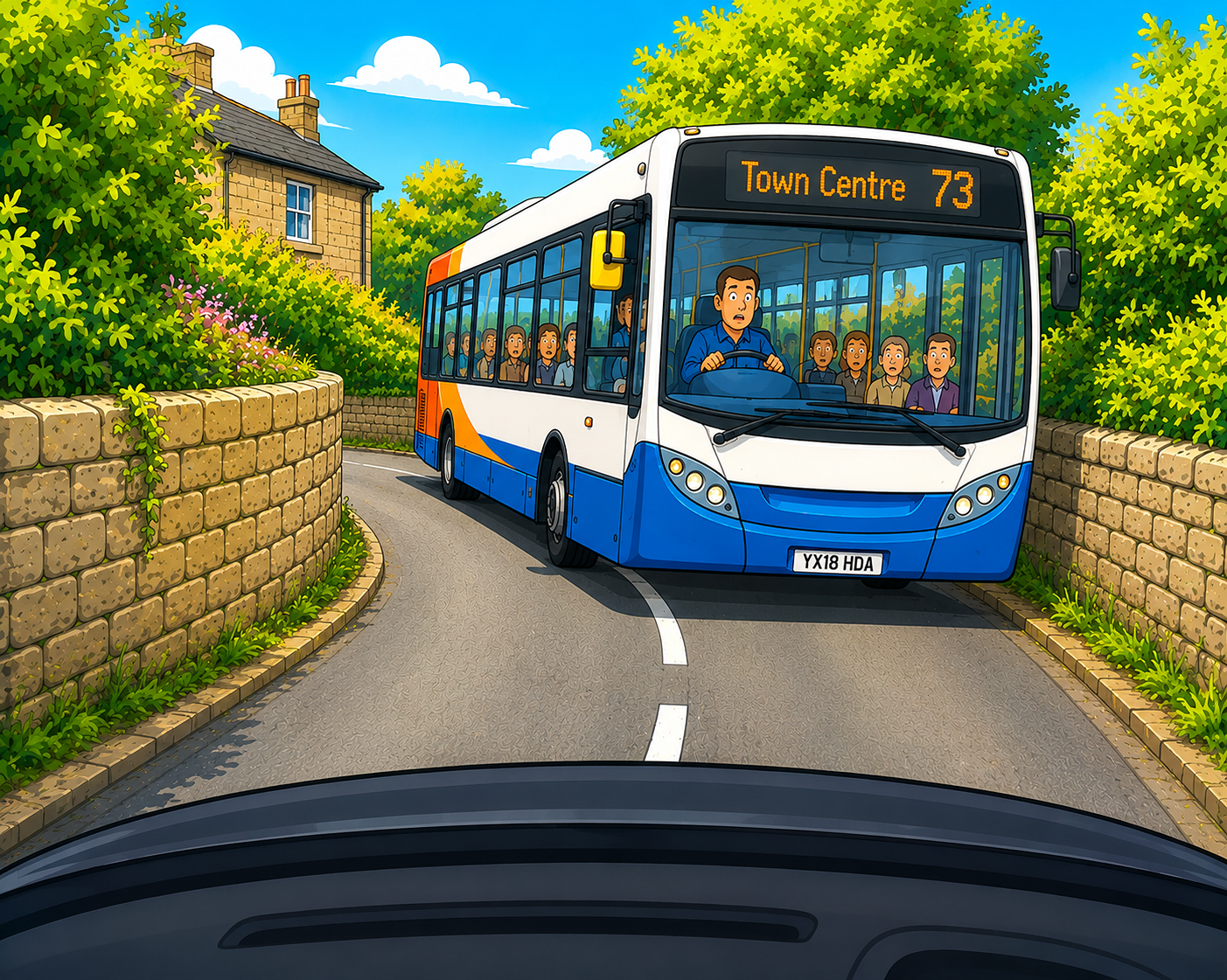
Meeting Traffic - Large Vehicles
This is an Image & Text block. Click on this text to start editing and enter your own text with some basic formatting. Just click anywhere outside the text box when you're done to continue working on the rest of your page.
To change the layout and appearance of a block, such as the size of its images and columns, click on the Change Layout button on the block toolbar, to the right of each block.
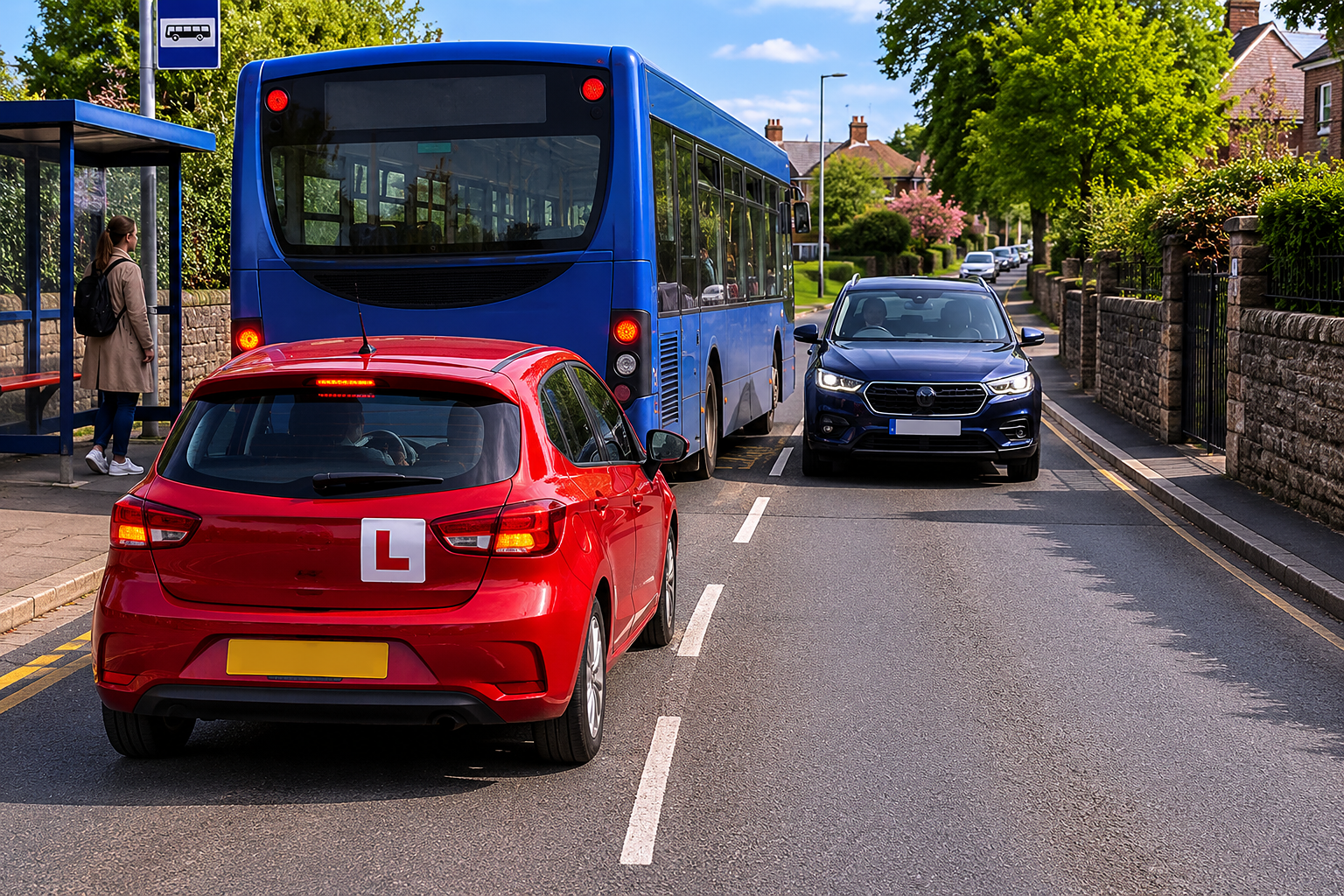
Buses at Bus Stops
This is an Image & Text block. Click on this text to start editing and enter your own text with some basic formatting. Just click anywhere outside the text box when you're done to continue working on the rest of your page.
To change the layout and appearance of a block, such as the size of its images and columns, click on the Change Layout button on the block toolbar, to the right of each block.
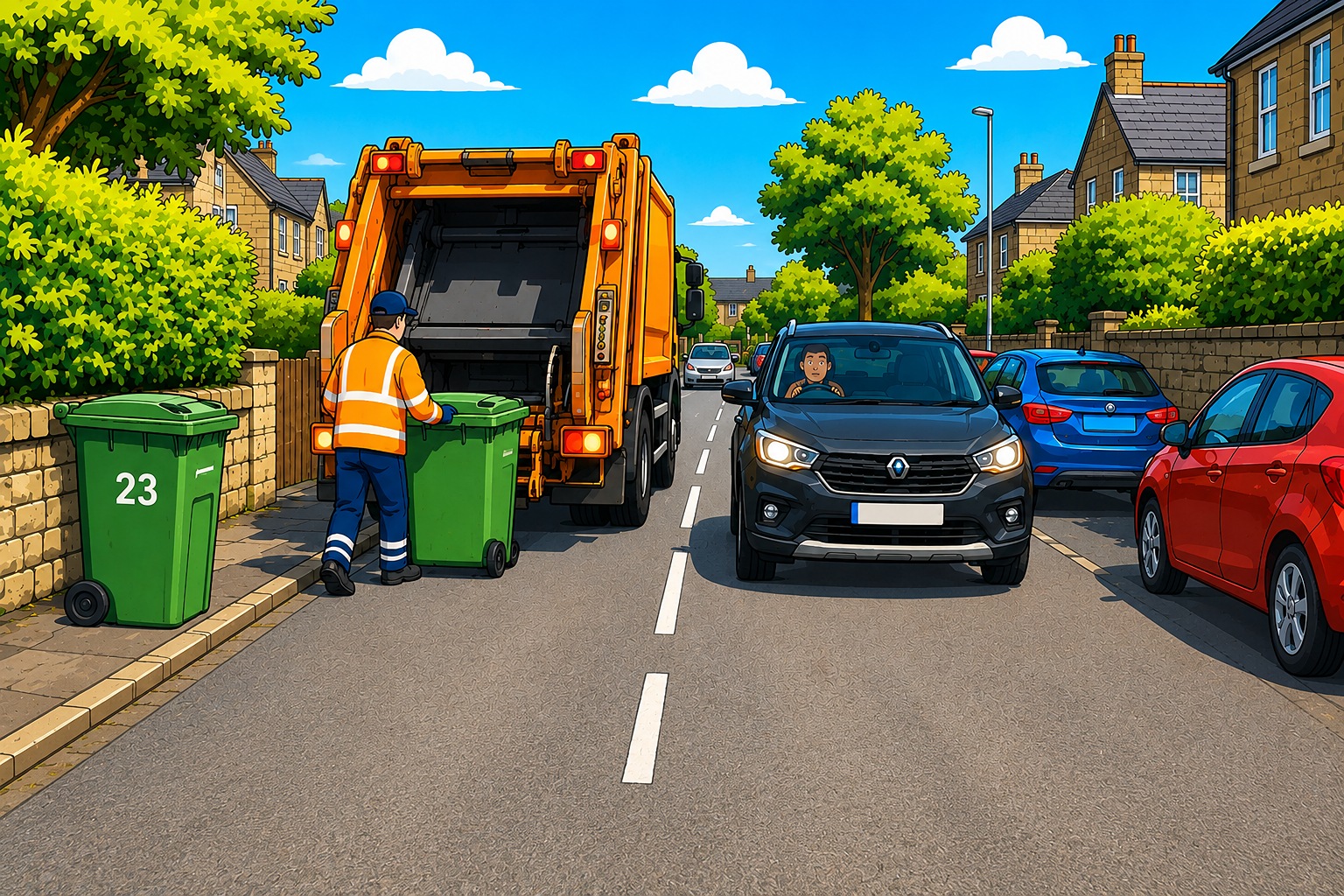
Meeting Traffic - Bin Lorries
This is an Image & Text block. Click on this text to start editing and enter your own text with some basic formatting. Just click anywhere outside the text box when you're done to continue working on the rest of your page.
To change the layout and appearance of a block, such as the size of its images and columns, click on the Change Layout button on the block toolbar, to the right of each block.
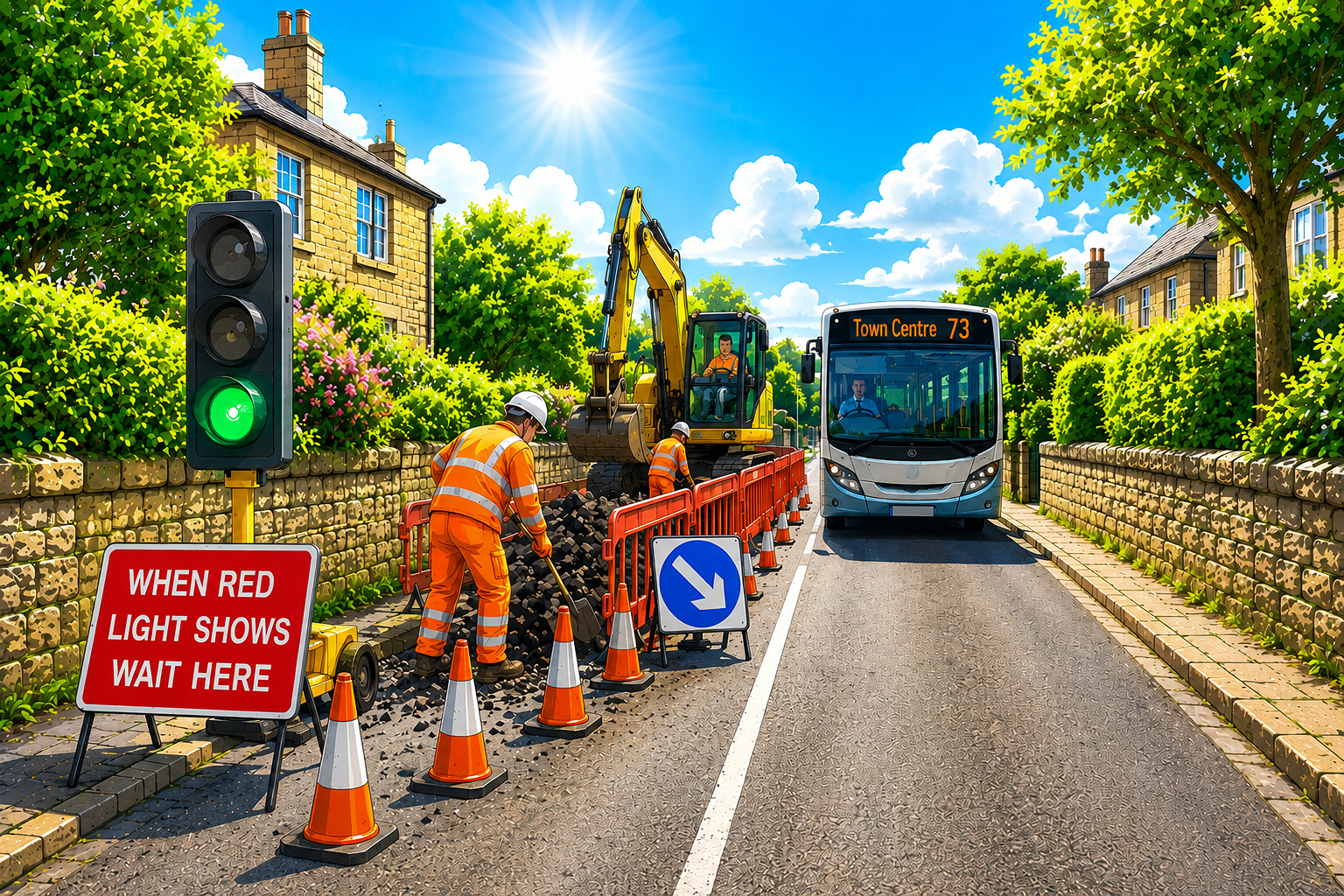
Meeting Traffic - Roadworks
This is an Image & Text block. Click on this text to start editing and enter your own text with some basic formatting. Just click anywhere outside the text box when you're done to continue working on the rest of your page.
To change the layout and appearance of a block, such as the size of its images and columns, click on the Change Layout button on the block toolbar, to the right of each block.
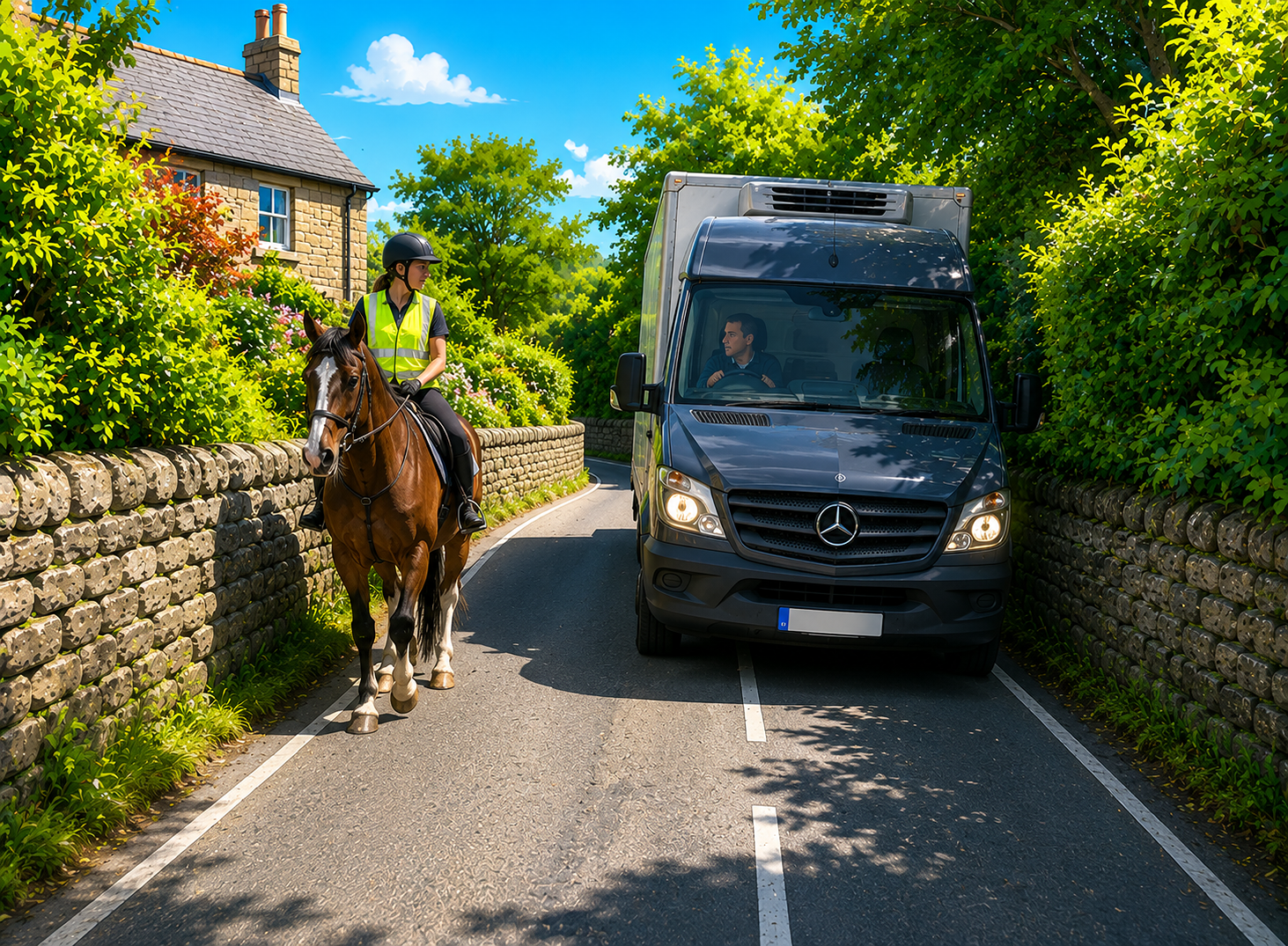
Meeting Traffic - Horses
This is an Image & Text block. Click on this text to start editing and enter your own text with some basic formatting. Just click anywhere outside the text box when you're done to continue working on the rest of your page.
To change the layout and appearance of a block, such as the size of its images and columns, click on the Change Layout button on the block toolbar, to the right of each block.
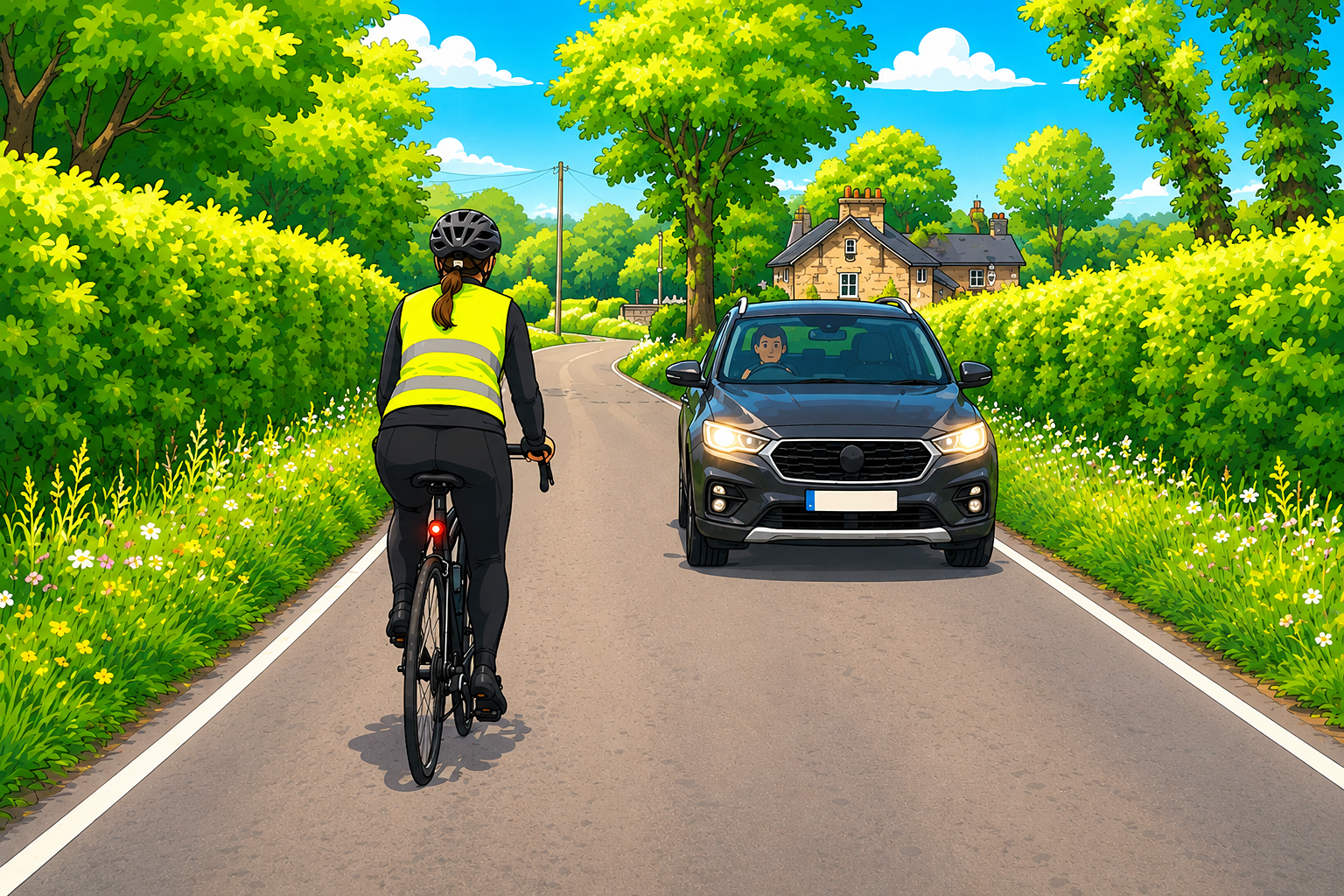
Meeting Traffic - Cyclists
This is an Image & Text block. Click on this text to start editing and enter your own text with some basic formatting. Just click anywhere outside the text box when you're done to continue working on the rest of your page.
To change the layout and appearance of a block, such as the size of its images and columns, click on the Change Layout button on the block toolbar, to the right of each block.
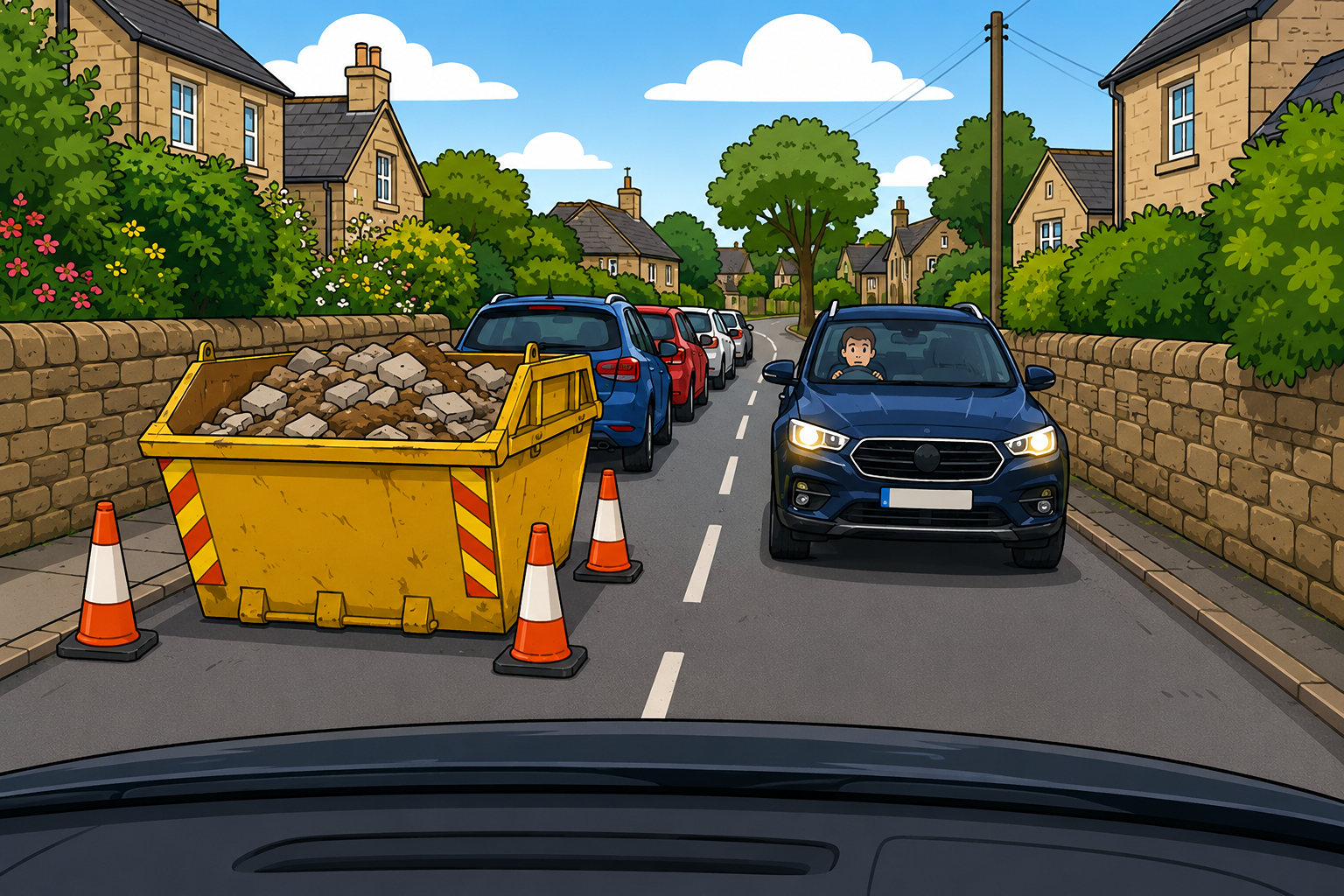
Meeting Traffic - Skips
This is an Image & Text block. Click on this text to start editing and enter your own text with some basic formatting. Just click anywhere outside the text box when you're done to continue working on the rest of your page.
To change the layout and appearance of a block, such as the size of its images and columns, click on the Change Layout button on the block toolbar, to the right of each block.
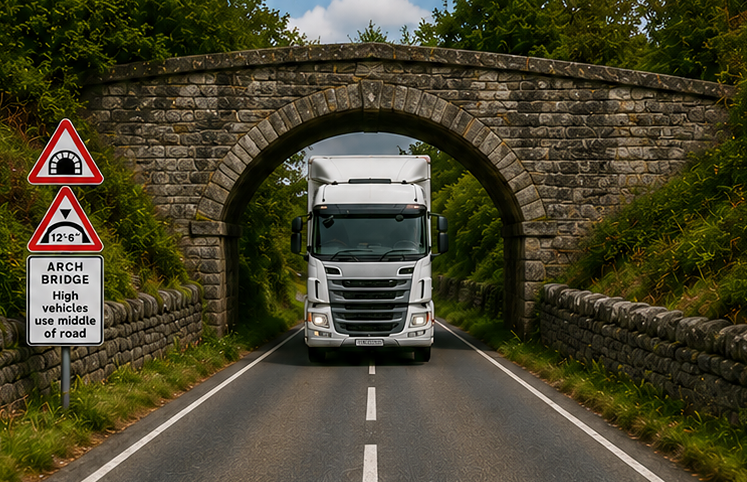
Meeting Traffic - Arch Bridges
This is an Image & Text block. Click on this text to start editing and enter your own text with some basic formatting. Just click anywhere outside the text box when you're done to continue working on the rest of your page.
To change the layout and appearance of a block, such as the size of its images and columns, click on the Change Layout button on the block toolbar, to the right of each block.

Heading Text
This is an Image & Text block. Click on this text to start editing and enter your own text with some basic formatting. Just click anywhere outside the text box when you're done to continue working on the rest of your page.
To change the layout and appearance of a block, such as the size of its images and columns, click on the Change Layout button on the block toolbar, to the right of each block.