Manoeuvres
Parallell Parking
This is an Image & Text block. Click on this text to start editing and enter your own text with some basic formatting. Just click anywhere outside the text box when you're done to continue working on the rest of your page.
To change the layout and appearance of a block, such as the size of its images and columns, click on the Change Layout button on the block toolbar, to the right of each block.
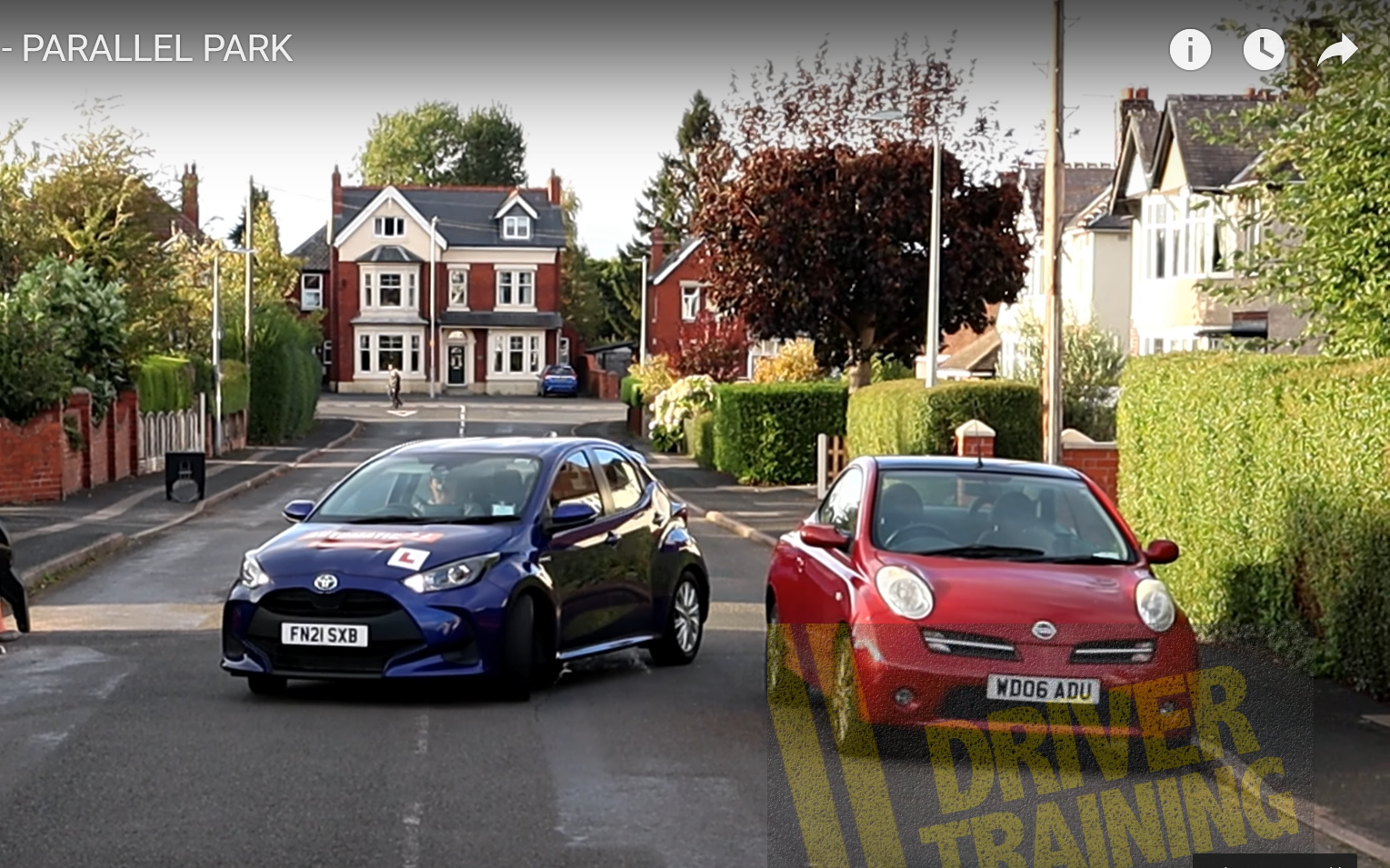

Forward Bay Park
This is an Image & Text block. Click on this text to start editing and enter your own text with some basic formatting. Just click anywhere outside the text box when you're done to continue working on the rest of your page.
To change the layout and appearance of a block, such as the size of its images and columns, click on the Change Layout button on the block toolbar, to the right of each block.
Reverse Bay Park
This is an Image & Text block. Click on this text to start editing and enter your own text with some basic formatting. Just click anywhere outside the text box when you're done to continue working on the rest of your page.
To change the layout and appearance of a block, such as the size of its images and columns, click on the Change Layout button on the block toolbar, to the right of each block.
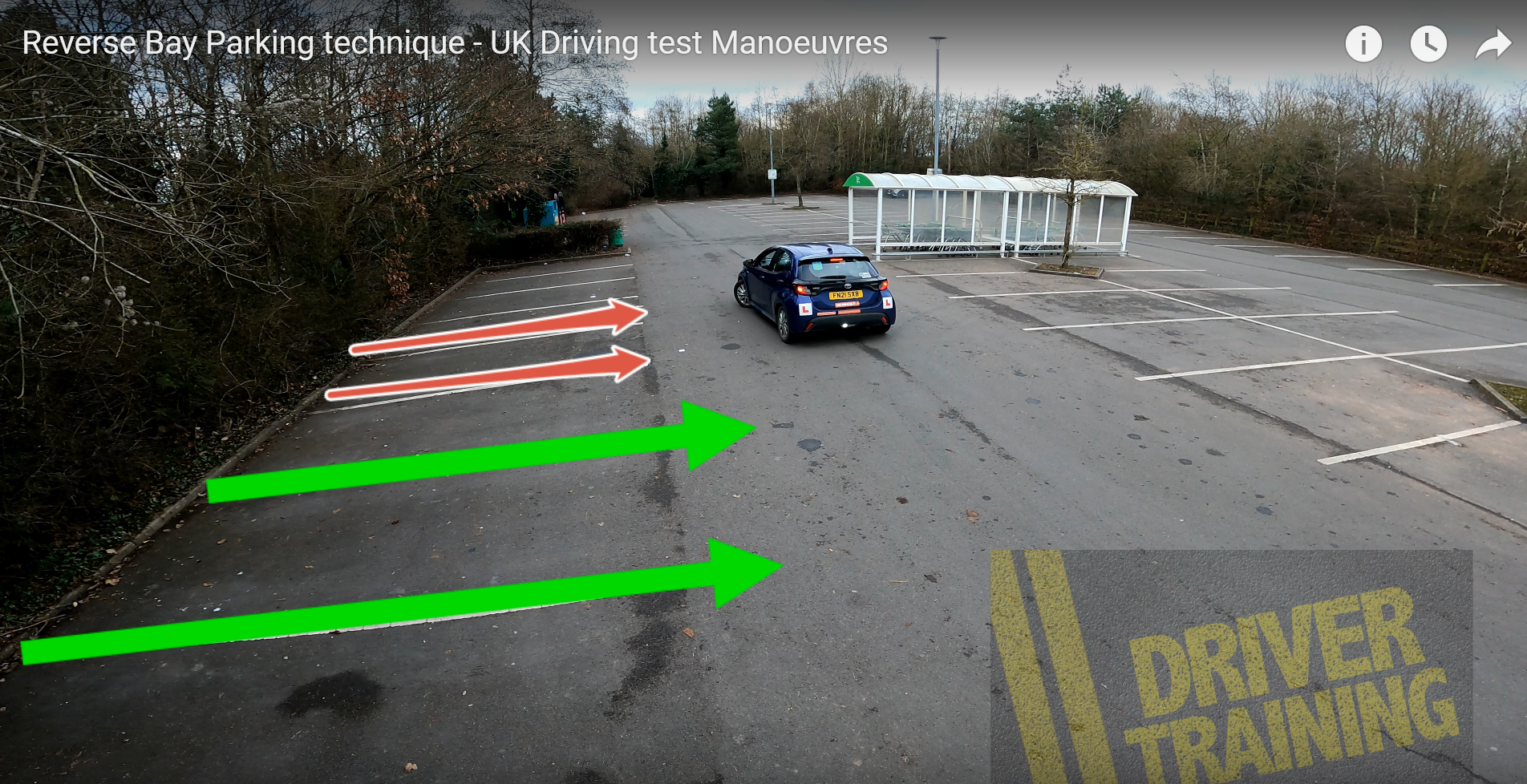
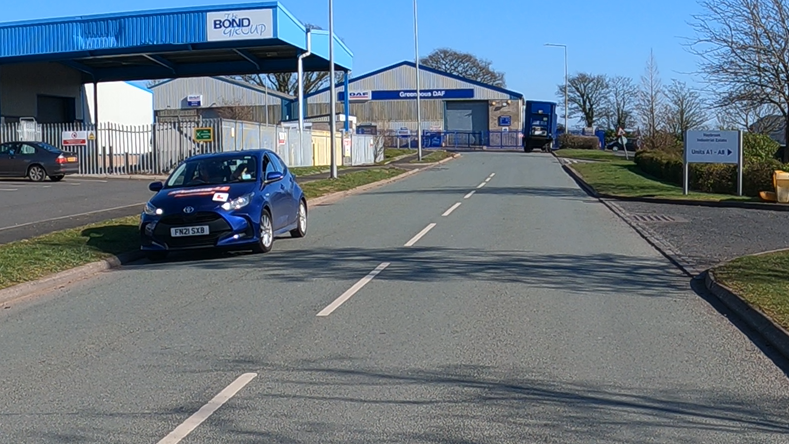
Pull Up On The Right
This is an Image & Text block. Click on this text to start editing and enter your own text with some basic formatting. Just click anywhere outside the text box when you're done to continue working on the rest of your page.
To change the layout and appearance of a block, such as the size of its images and columns, click on the Change Layout button on the block toolbar, to the right of each block.
Emergency Stop
This is an Image & Text block. Click on this text to start editing and enter your own text with some basic formatting. Just click anywhere outside the text box when you're done to continue working on the rest of your page.
To change the layout and appearance of a block, such as the size of its images and columns, click on the Change Layout button on the block toolbar, to the right of each block.